Stay Connected On the Go
Access your data whenever and wherever you are.
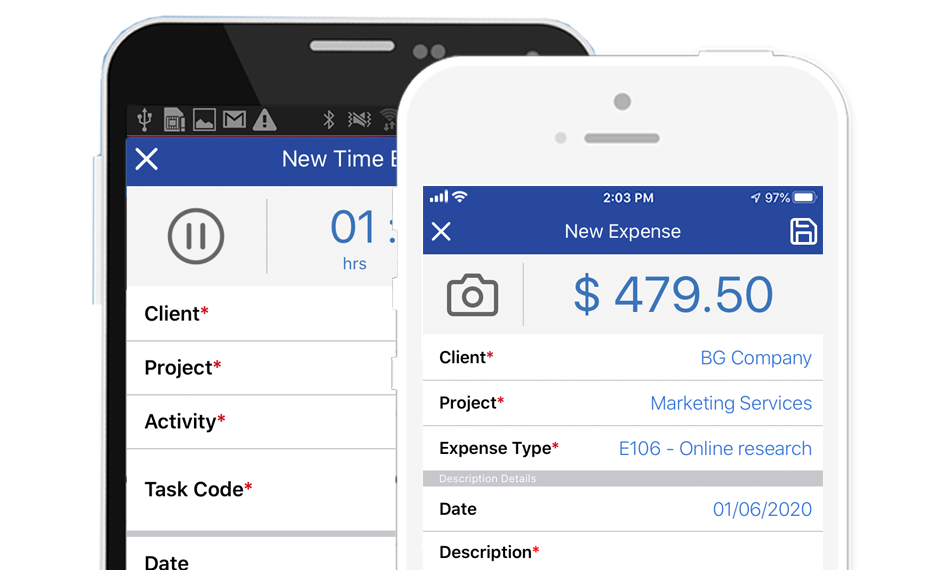
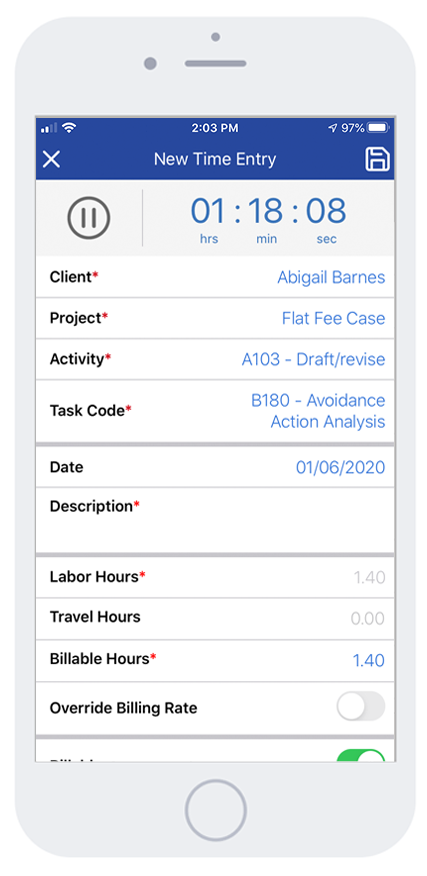
Bill4Time’s mobile apps are the best in class and
easiest way to track time, manage projects, and organize
expenses on the go. Your entries will be saved
if you are offline and will sync when you are back online.
Dashboard
- The new dashboard summarizes and charts your billable hours and amounts
- View a quick snapshot of daily, weekly or monthly progress.
Client & Matters Project Management
- Access, add, and edit client or project details on the go
- Quickly call or email clients directly from the app
- View outstanding balances and invoices
Account Access
- Standard users have access to all clients and projects in their accounts
- Free account users can manage time and billing for 1 user, 3 clients, 5 projects and includes 100MB of storage
- Download the iOS or Android app below
Bill4Time Mobile Apps
Click the links to go directly to that device download