What Does Legal Time Tracking Software Do?
12/19/2025 By Clare Sheehan

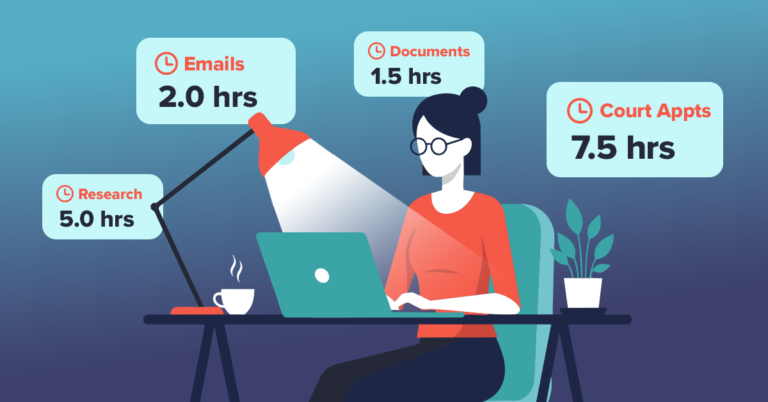
If you’re like most, a portion of your billable client work disappears each week simply because it isn’t captured. Small interruptions, quick client emails, and matter-related research easily slip through the cracks when you rely on manual entry. Over time, this adds up to thousands in unrealized revenue. Legal time tracking software helps you protect your billables, reduce administrative work, and strengthen client trust. The best time tracking software for legal services automates time capture, streamlines invoicing, and centralizes reporting so you can focus on higher-value legal work instead of back-office processes.
What Are the Benefits of Legal Time Tracking Software?
Once you understand the value of time tracking software for law firms, the next step is knowing what capabilities to look for. Not all solutions are created equal, and choosing the right one depends on features that support legal-specific workflows, compliance requirements, and billing accuracy. The features below are essential to ensure your legal time-recording system works seamlessly across matters, clients, and internal processes.
Accuracy & Accountability
When timing tasks manually, even a few missed minutes per matter can compound across a busy month. Automated tracking prevents these losses and ensures your invoices always reflect the work you actually performed.
Efficiency
Built-in timers, automatic entry creation, and synced calendars reduce administrative work, allowing you to enter time as you go instead of reconstructing your day at 8 p.m.
Transparency
Clients appreciate detailed, itemized records. Clear entries improve communication and build trust, especially with corporate clients who require precise descriptions.
Data-Driven Insights
With reporting dashboards, you can understand productivity patterns, evaluate workload distribution, and identify bottlenecks. These insights help you make strategic decisions about staffing, matter management, and pricing.
Compliance
Accurate timekeeping supports ABA guidelines, client billing standards, and LEDES invoicing requirements—especially for firms serving corporate clients with strict billing rules.
Connection
Your time entries sync seamlessly with accounting, client management, and calendaring systems, reducing duplication and ensuring consistent records.
What Are the Must-Have Features of Legal Timekeeping and Billing Software?
Before exploring each benefit in depth, it’s helpful to understand how modern time tracking fits into your daily workflow. When the right system is in place, the frustrations of lost time, inconsistent records, and manual reconstruction fade quickly. The following core benefits highlight why adopting a dedicated legal time tracking platform can dramatically improve both your productivity and the financial health of your practice.
Automated Time Capture
Track your work in real time—on desktop, mobile, or browser. Automated tracking ensures accuracy even on your busiest days.
Customizable Billing Rates
Set and adjust rates by client, matter, activity, or staff member for complete flexibility.
LEDES/LSS Invoice Support
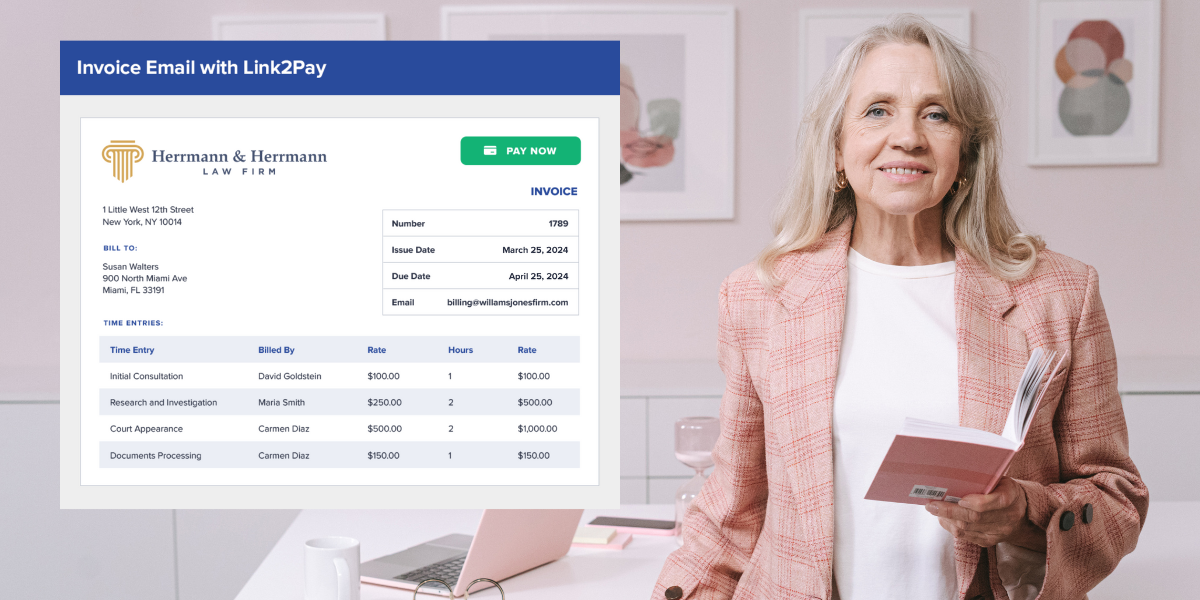
Clients often require standardized invoice formats. LEDES compliance ensures your billing is accepted without revision.
Expense Tracking
Record reimbursable costs alongside time entries so invoices stay complete and accurate.
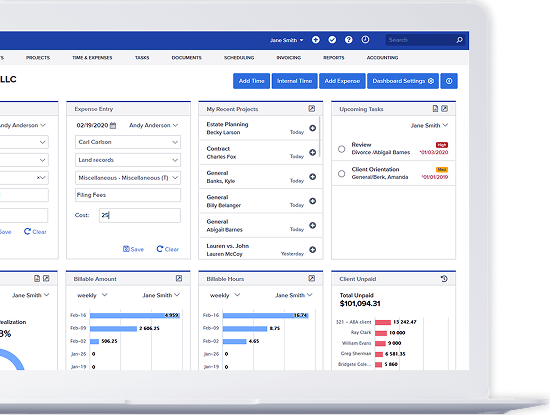
Reporting & Dashboards
Review billable hours, utilization rates, realization, and profitability to support growth-driven decisions.
Secure Cloud Access
Work from anywhere with encryption, access controls, and secure data storage designed for legal confidentiality.
Integrations
Integrate your time tracking with your existing accounting platforms and document systems for a unified workflow.
What Software Is Used to Track Time Across Law Firms?
Many legal professionals attempt to repurpose general-purpose timing apps. The challenge with generic solutions is that they aren’t built for law-specific needs such as LEDES billing, trust accounting, confidentiality requirements, or ABA task codes. Bill4Time stands out because it offers:
- Legal-focused reporting and invoicing
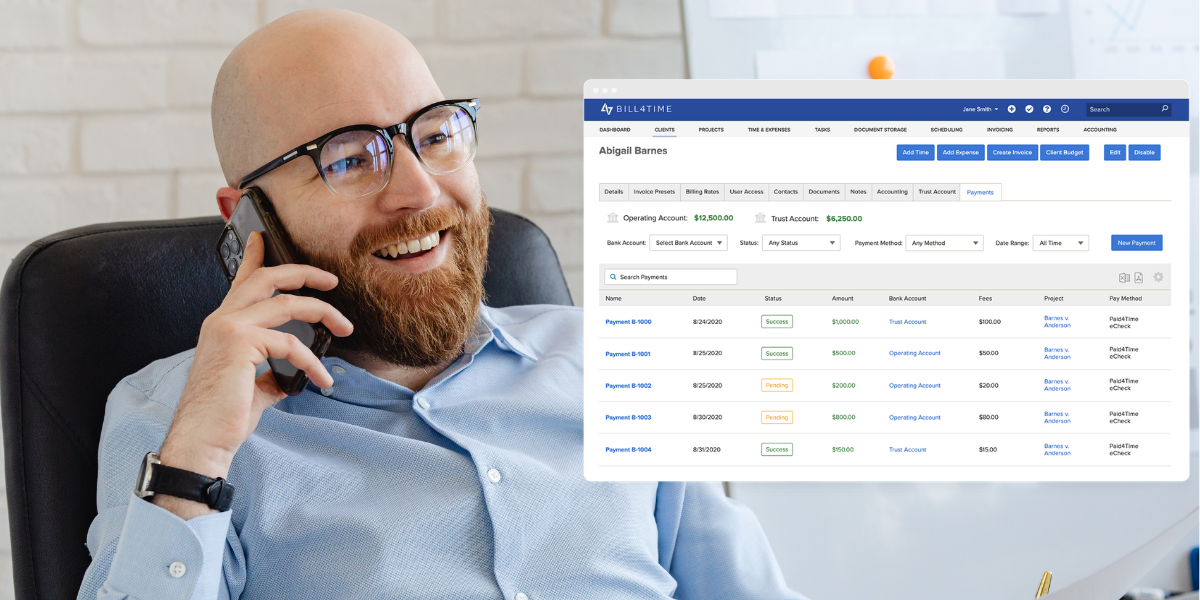
- Built-in trust accounting support
- LEDES and ABA code compatibility
- Secure cloud infrastructure designed for law firms
While a variety of platforms are available, systems designed for legal workflows ensure your entries stay accurate, compliant, and billable.
How to Choose the Right Time Tracking System for Your Firm
Selecting the right time tracking system starts with understanding how your team works today and where inefficiencies cost you the most. Whether you’re dealing with missed billables, slow invoicing cycles, or limited visibility into attorney productivity, the solution you choose should address these challenges head-on. The considerations below will help you evaluate options based on usability, compliance, workflow fit, and long-term value.
Assess Your Needs
Look at where you’re losing time: missed billables, administrative burden, compliance gaps, or lack of reporting.
Evaluate Ease of Use
A system only helps if attorneys will consistently use it. Look for intuitive, simple workflows.
Check for Compliance Features
LEDES formats, task codes, and secure storage are must-haves for many firms.
Consider Integration & Mobility
Your system should work with your existing calendars, accounting processes, and remote work environments.
Review Support & Onboarding
Reliable training and responsive support help you adopt and maintain strong timekeeping practices.
Request a Demo
Seeing the features in action during a demo is the best way to determine whether they fit your daily workflow.
How Much Does Attorney Time Tracking Software Cost?
Pricing depends on factors like feature depth, the number of users, and the billing needs of your practice. Most services use subscription-based or per-user pricing. While free options exist, they often lack compliance support, detailed reporting, and security standards required by law firms. Bill4Time’s flexible pricing makes it accessible to solos while still scaling to meet the needs of mid-sized firms.
Is Free Attorney Time Tracking Software Worth It?
Free options may track time, but they won’t help your practice grow. A dedicated solution supports sustainable profitability and better client service, and offers key features such as:
Get Started With Your New Legal Time and Billing Software
Accurate, automated legal time tracking is no longer optional. It’s essential for preventing lost revenue, improving transparency, and building efficient workflows that support long-term growth. If you’re re-evaluating how you capture and bill time, Bill4Time can simplify your process with automated tracking, customizable billing, and secure reporting—everything you need to protect your billable hours and strengthen your practice.